Collections & communities
The repository's content is organised as a hierarchy. Understanding it is the first step to administering the site, because permissions attach to this structure.
The hierarchy
- Community — a top-level grouping (for example, a faculty or college).
- Sub-community — a community nested inside another (for example, a school or department).
- Collection — the unit that actually holds items (for example, a department's theses).
- Item — a single deposited work, with its metadata and files.
Readers navigate this same tree under All of Repository; see Browse collections.
AU-IR's structure (Structure v2)
The live structure is Structure v2, applied 2026-05-05:
- 18 top-level communities, 49 communities in total (18 top-level + 31 sub), and 248 collections.
- 246 vs 248: 246 academic collections carry the RIC workflow bindings; the extra two are ad-hoc Course Catalogues added through the admin UI. Both numbers are correct.
- AUCHS is a metadata-driven facet view (driven by a
local.college=AUCHStemplate prefill), not collection multi-mapping. Al Hayat Teaching Hospital is an AUCHS sub-community.
Naming conventions
Faculties use a "Department of …" prefix; AUCHS keeps "School of …". A couple of reviewer groups kept their original bootstrap names after faculty renames — see Users & groups.
Create or edit a community / collection
- Log in as an administrator and open the admin menu (the + New / edit controls).
- Choose New → Community / Sub-community / Collection, or Edit on an existing one.
-
Set its name, description, and logo; for a collection, set its policies (who can submit and who reviews) and its item template if it uses one.
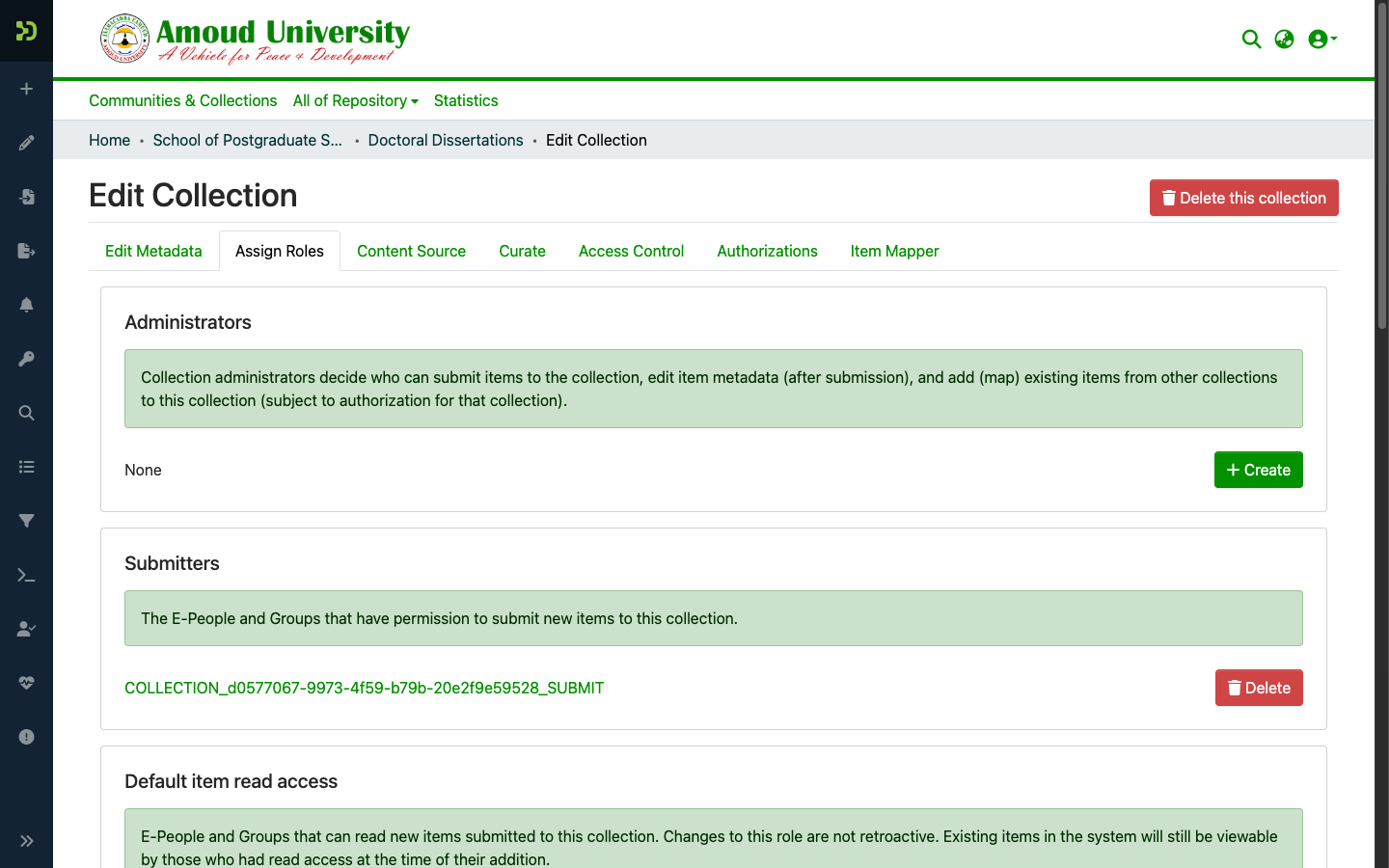
Two structural cautions
- Postgrad Phase 2 (faculty/programme sub-communities) is an irreversible migration — do not run it early.
- University Collections is governance content; keep its edit authority with site administrators only, not the RIC.