Submit an item
A submission is a short guided form. You start it, choose where the item belongs, then describe the work, upload the file, and accept the licence. This page covers starting a submission and choosing the right collection.
First time?
Read Before you start — you need an account with submit permission before the option below appears.
Start a new submission
- Log in to repository.amoud.edu.so.
-
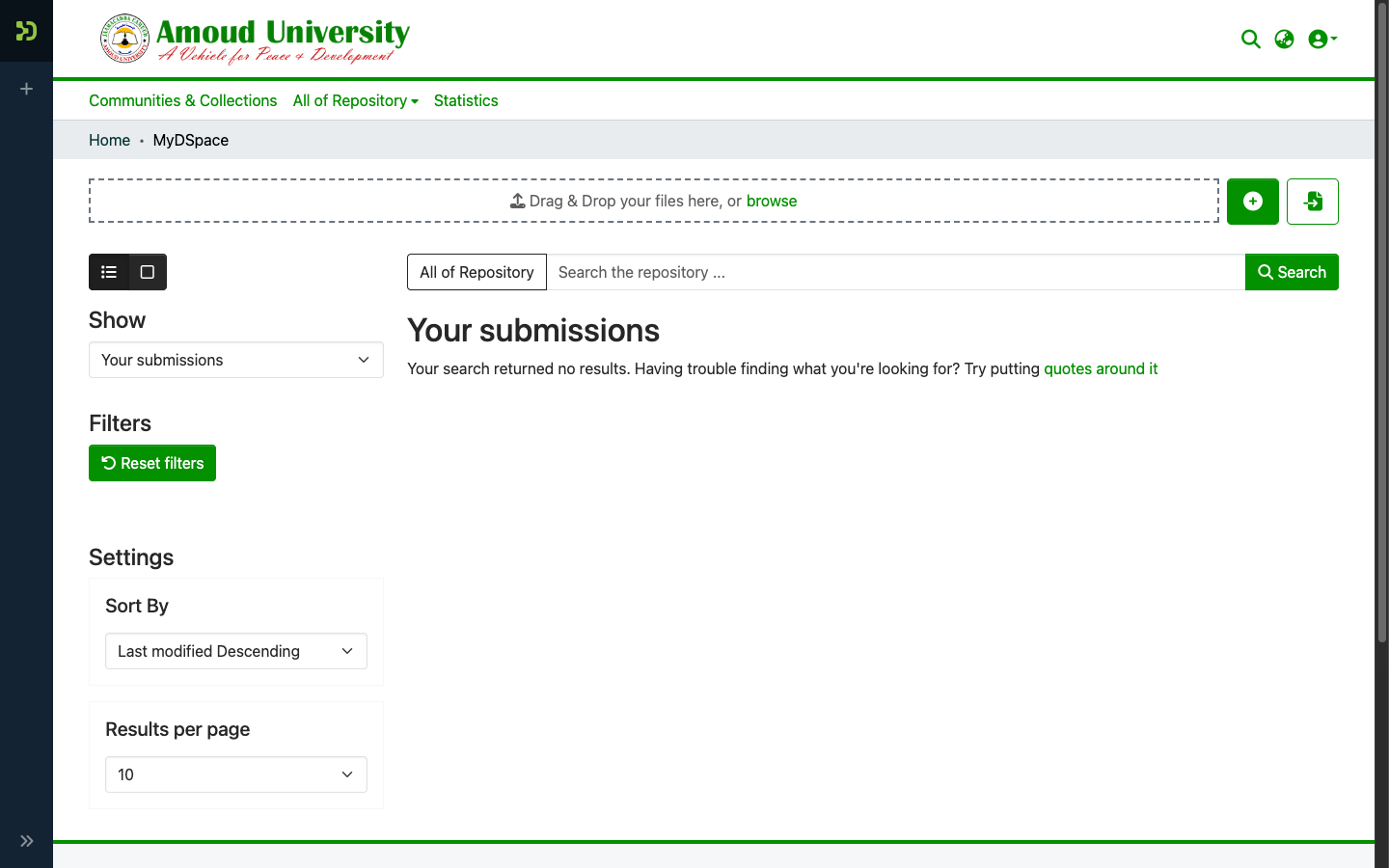
Click the New submission button (also reachable from MyDSpace, under your name at the top-right).
-
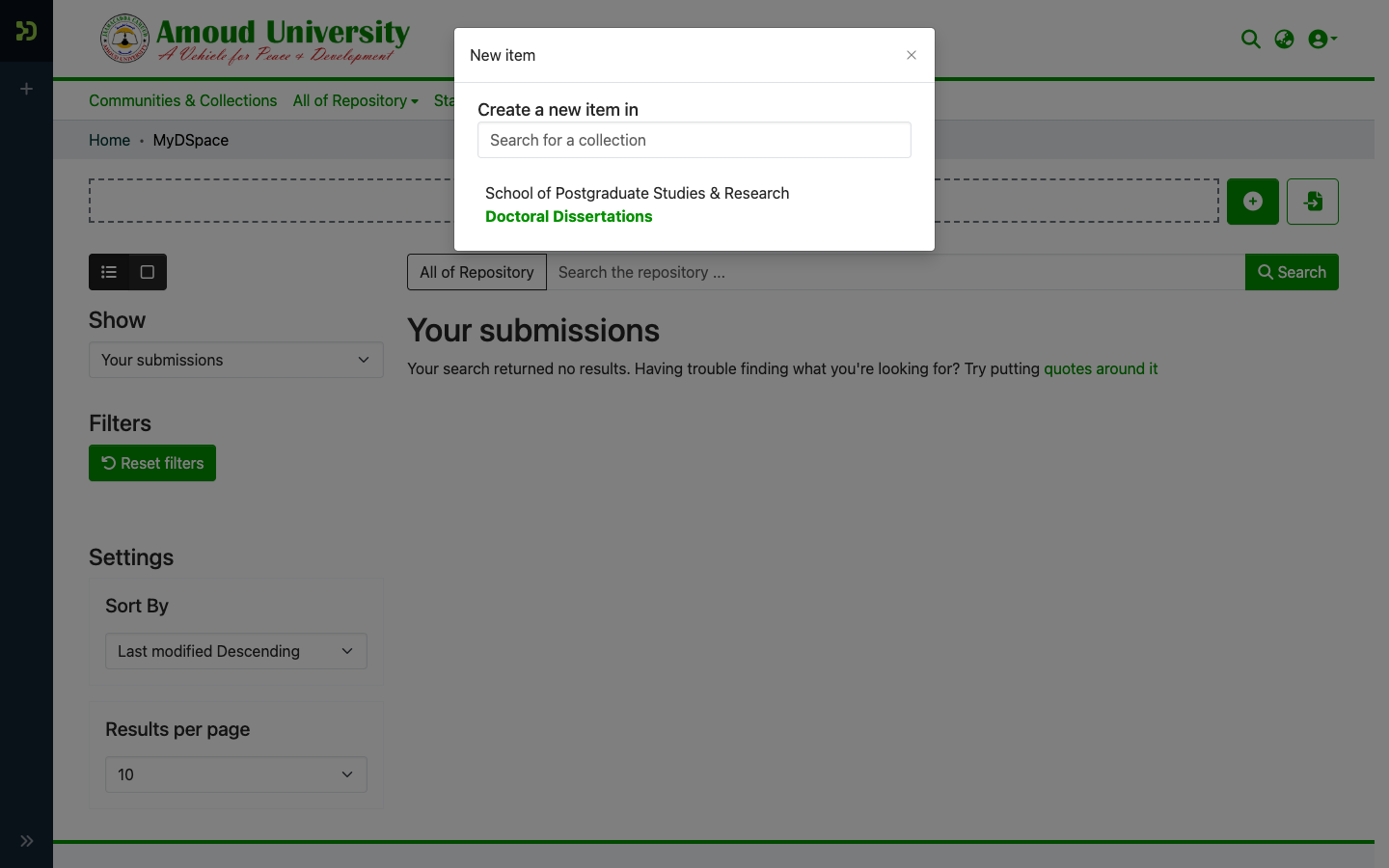
Choose a collection. Start typing your faculty, department, or collection name and pick it from the list. The item will be deposited here and routed to that collection's reviewers.
-
The submission form opens, ready for you to describe the work.
Choosing the right collection
The collection decides who reviews your item and where readers find it. Pick the one that matches the work's faculty/department and type (for example, a master's thesis goes in your school's thesis collection).
Not sure which collection?
Browse the structure first to see where similar items live, or ask the RIC. Choosing well now saves a round-trip later — a reviewer can move a misfiled item, but it's slower.
Save and come back later
You don't have to finish in one sitting. Use Save for later to keep a draft in MyDSpace, or Discard to abandon it. An unfinished submission is not sent for review until you complete and deposit it.