View & download an item
Click any search result or collection entry to open its item page.
What's on an item page
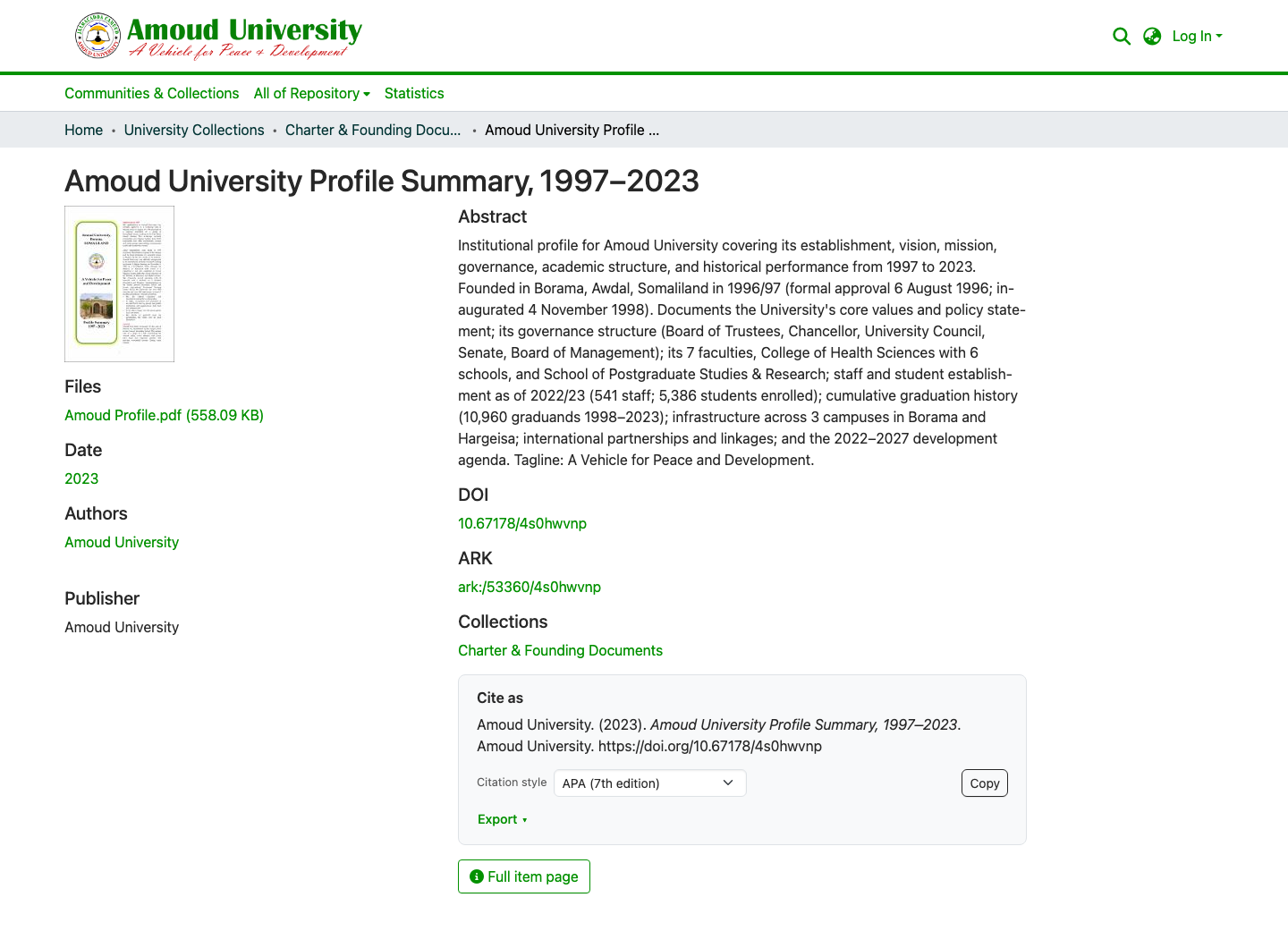
A typical item page shows:
- Title, author(s), and date
- Abstract — a short summary
- Files — usually a PDF you can preview or download
- Citation & export tools — see Cite & export
- Permanent identifiers — the DOI and ARK (see DOIs & ARKs explained)
- Metadata — subject keywords, publisher, type, language, and more
Download the full text
- On the item page, find the file (usually a PDF) in the files area.
-
Click the file name or the download icon to open or save it.
Reading online
Many PDFs preview right in your browser — you can read without downloading.
Some items may not have a file
Occasionally only the description (metadata) is available — for example, when the full text cannot be shared for copyright reasons.