Browse collections
If you'd rather explore than search, you can browse the repository's structure.
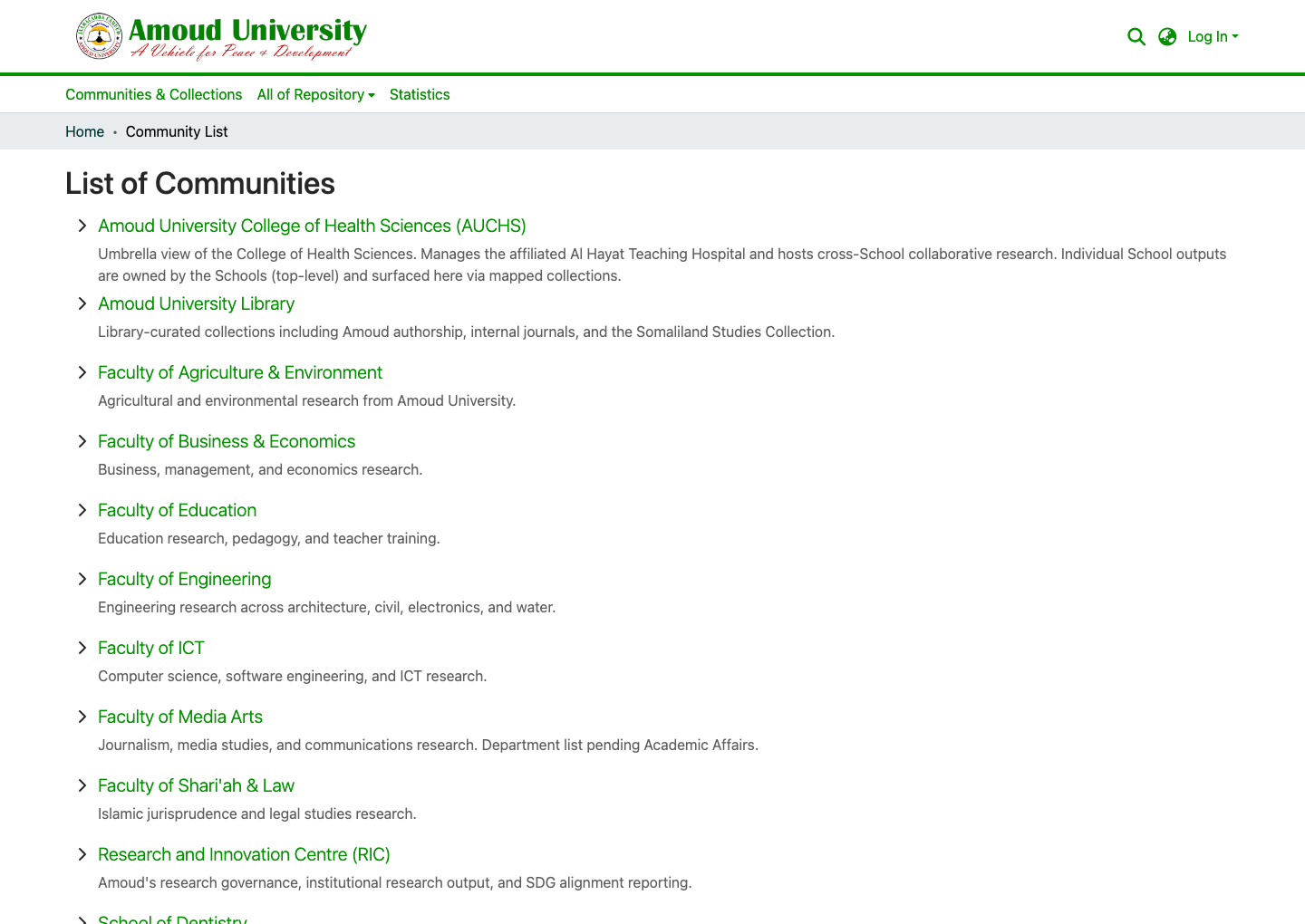
How the repository is organised
Content is arranged in a hierarchy:
- Communities — the top level, usually a faculty, school, or centre.
- Sub-communities — divisions within a community (for example, departments).
- Collections — the actual groups of items (for example, Master's Theses or Journal Articles).
Browse by community & collection
- From the top menu, open Communities & Collections (or use the All of Repository dropdown).
-
Click into a community, then a collection, to see its items.
Browse by author, title, subject, or date
Most pages also offer Browse menus that list items alphabetically by author or title, chronologically by date issued, or by subject.
Tip
Browsing by Author is a quick way to see everything a particular researcher has deposited.