Log in
Steps
- Go to repository.amoud.edu.so.
- Click Log In at the top-right.
-
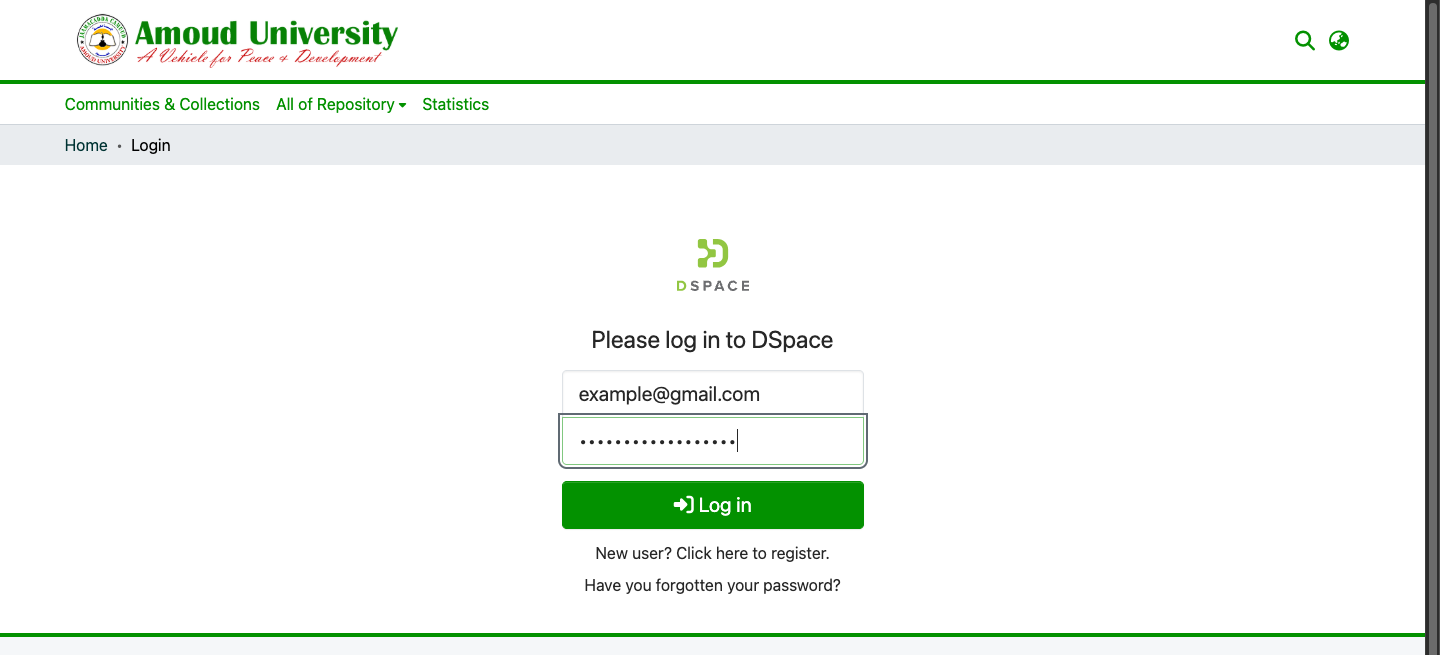
Enter your email and password, then click Log in.
Once logged in, your name appears at the top-right. Click it to reach your profile, your submissions, and Log out.
Forgot your password?
- On the login page, click Forgot your password?
- Enter your email and submit.
- Open the reset email and follow the link to set a new password.
Staying secure
- Always log out on shared or public computers.
- Never share your password. Repository staff will never ask for it.
Next steps
- Create an account (if you don't have one)
- For depositors