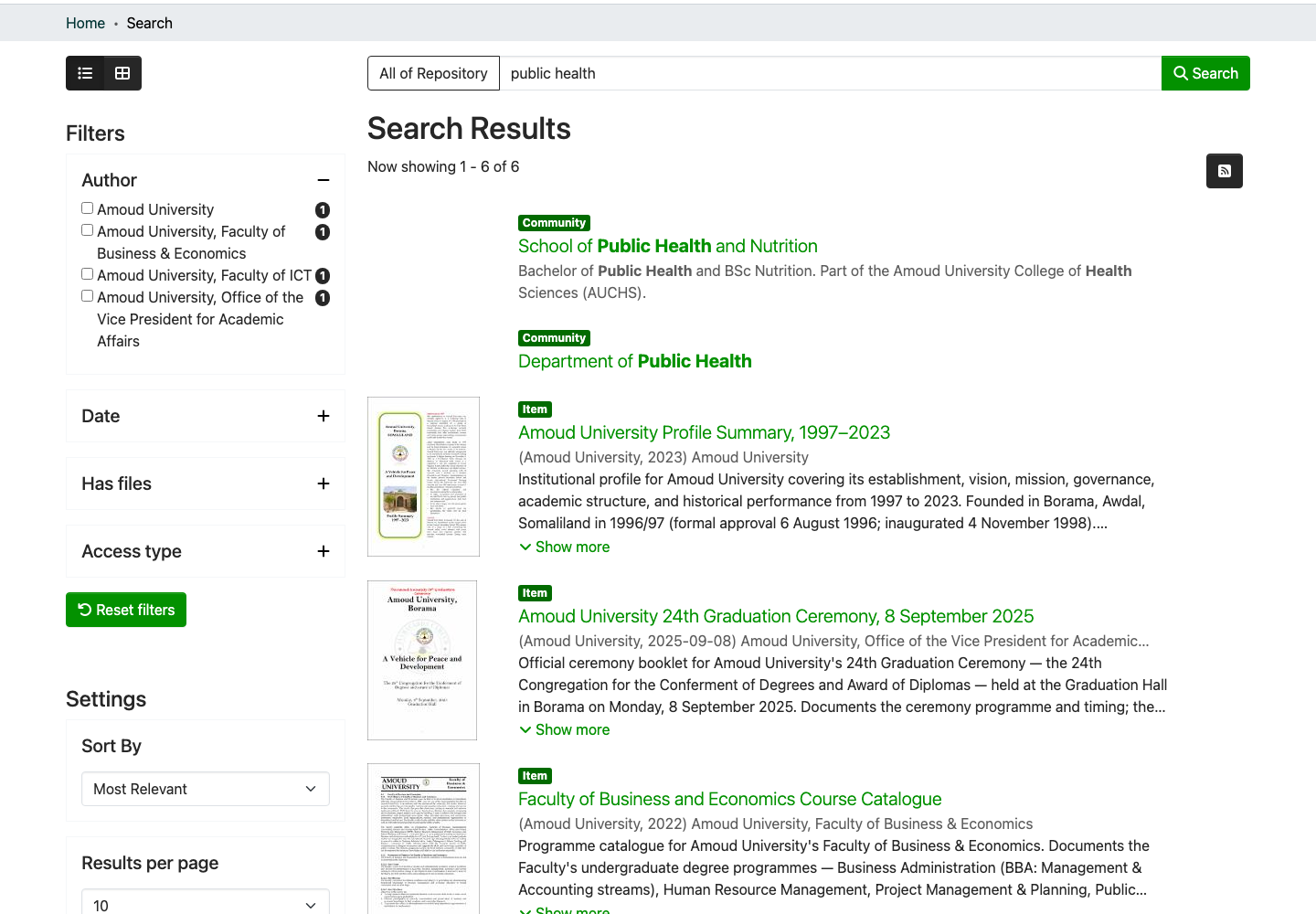
Search the repository
Quick search
- Go to repository.amoud.edu.so.
- Type your keywords into the search box at the top of the page.
-
Press Enter or click the green Search button.

Narrow your results with filters
After searching, the side of the page shows filters (also called facets). Use them to narrow results by:
- Author
- Subject / keyword
- Date issued
- Type (thesis, article, and so on)
- Has files (full text available)
Click a filter value to apply it; click it again to remove it. You can combine several.
Search tips
| Goal | How |
|---|---|
| Match an exact phrase | Put it in "quotation marks" |
| Find one author's work | Use the Author filter, or search the name |
| Limit to recent work | Use the Date issued filter |
| Only items with a PDF | Use the Has files filter |
Tip
Fewer, more specific keywords usually beat long sentences. Start broad, then narrow with filters.