Usage statistics
The repository keeps view and download counts for items, collections, and communities, so you can see how much a work is being read. No account is needed to view statistics.
See statistics for one item
- Open any item.
- Click the Statistics link on the item page.
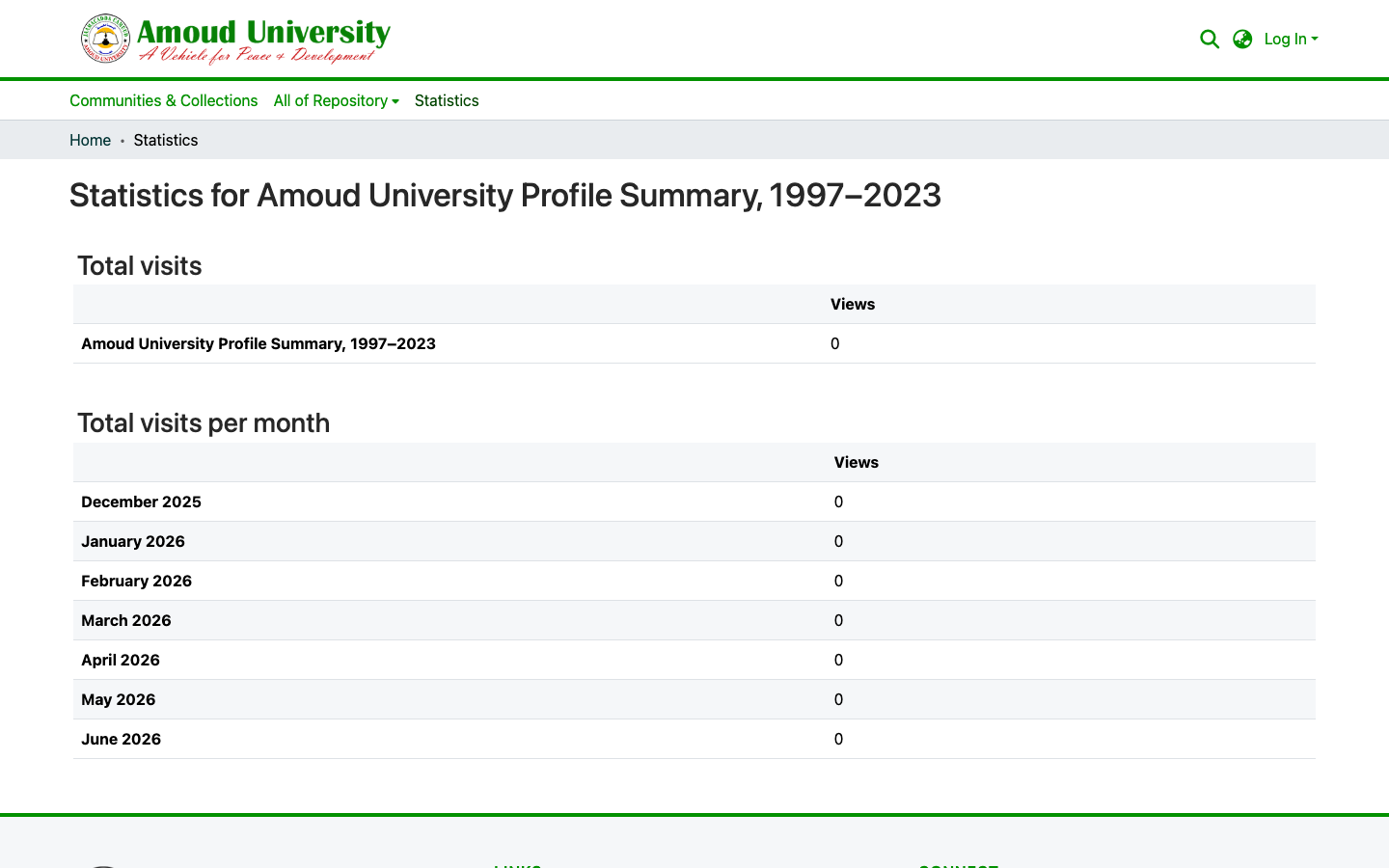
You'll see how many times the item's page has been viewed and its files downloaded, with a breakdown over time.
See statistics for the whole repository
Click Statistics in the top navigation bar to see repository-wide figures.
Figures build up over time
Statistics count real visits and downloads, so a brand-new item — or a freshly launched repository — may show little or no data yet. The numbers grow as people find and use the content.
What counts as a view vs a download
A view is someone opening the item's page; a download is someone opening or saving the file. Repeated hits from the same visitor and known robots are filtered out, so the counts reflect genuine readership.