Stay updated: feeds & subscriptions
You don't have to keep checking back to know when new work is added. The repository offers two ways to follow a collection or community: RSS feeds (no account) and email subscriptions (account required).
RSS / syndication feeds — no account needed
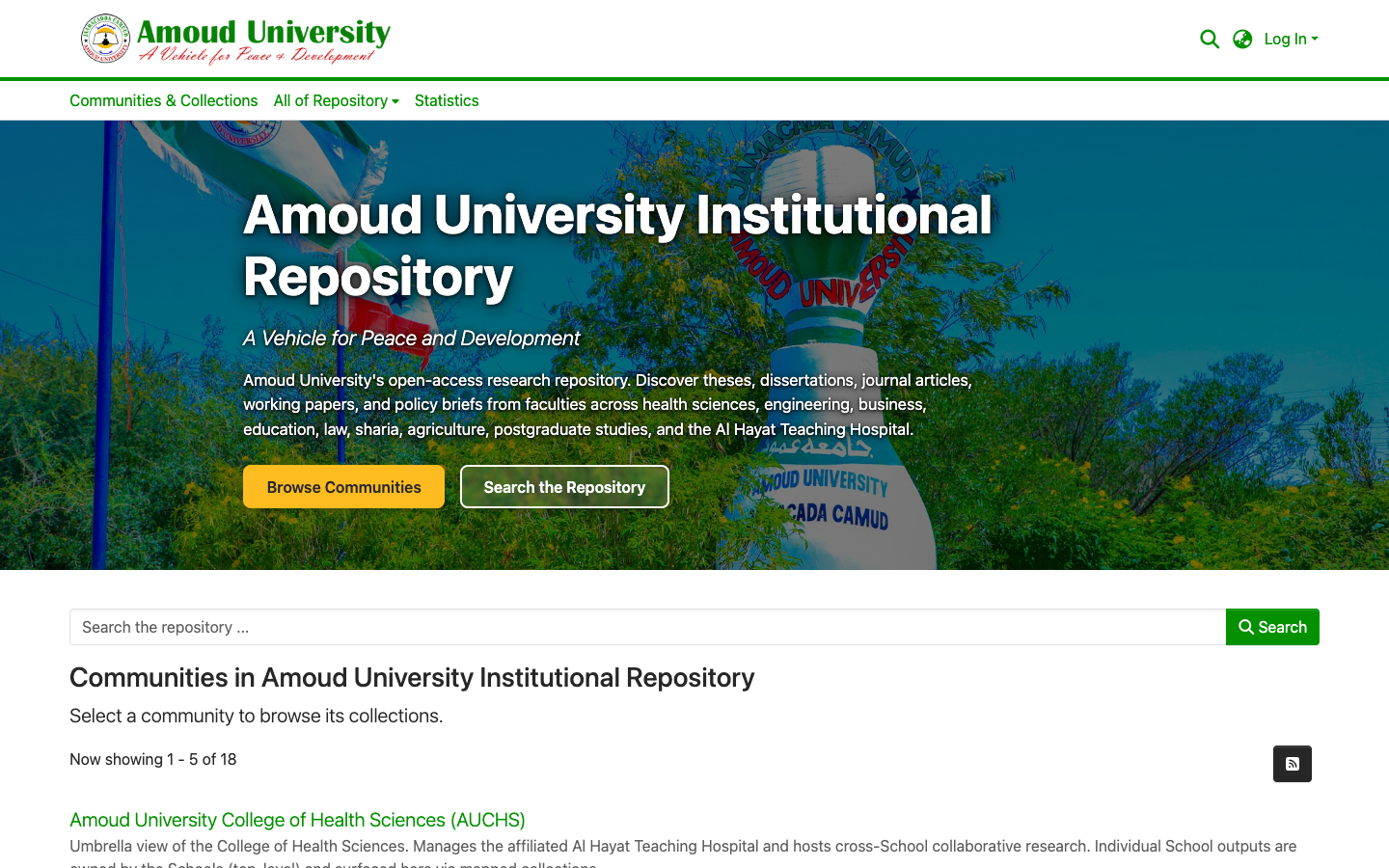
Most community and collection pages have a syndication feed button (the feed icon). Click it to open the feed, then add its address to any feed reader. Your reader will then list new items as they're added — handy for following a faculty or a journal series.
What's a feed reader?
A feed reader (for example Feedly, or the reading list built into many browsers and email apps) collects updates from sites you follow into one place. You paste the feed address in once and it checks for new items for you.
Email subscriptions — when you're logged in
If you have an account, you can ask the repository to email you when new items are added to a collection or community.
- Log in, then open the collection or community you want to follow.
- Open the options menu (the ⋮ button, top-right of the collection page) and choose Subscribe.
- Choose how often you want to hear — for example a daily or weekly digest.
To see or cancel what you follow, open your profile and review your subscriptions.
You must be logged in to subscribe
Email subscriptions are tied to your account, so the Subscribe option only appears when you're signed in. Don't have an account? Create one — it's free and open to anyone.